Essential Equipment for High-Quality Live Streaming
Understanding the Basics of Live Streaming Equipment
The foundation of high-quality live streaming lies in reliable, well-chosen hardware that ensures smooth video and clear audio. Without appropriate equipment, streams may suffer from poor visuals, choppy sound, or interruptions, reducing viewer engagement.
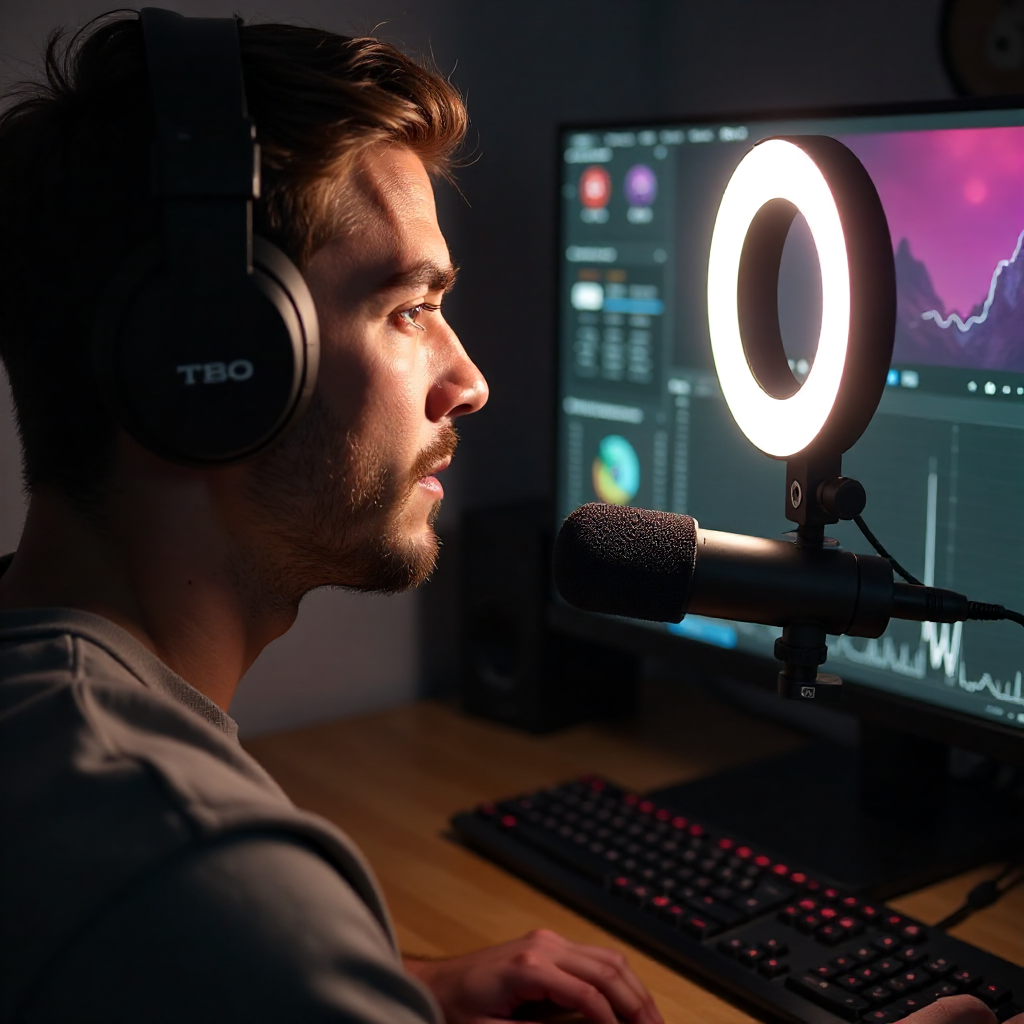
Live streaming hardware includes all components that capture, process, and broadcast your content in real time. This encompasses the camera or webcam, microphones, lighting devices, and computer or streaming devices. Each plays a critical role in delivering a professional and immersive online entertainment experience.
Choosing the right equipment depends on your streaming goals, whether you’re a solo streamer gaming from a bedroom or a small studio producing talk shows. Understanding how different devices impact quality helps you prioritize upgrades and optimize your setup.
Cameras and Video Capture Options for Streamers
Streaming cameras and capture devices convert live video into digital signals for broadcast. The main options are dedicated streaming cameras, webcams, and capture cards.
Webcams are the most accessible and affordable choice for beginners. High-end webcams like the Logitech C920 offer decent HD quality ideal for solo streamers. However, their fixed lenses and limited controls cap video quality and versatility.
Dedicated streaming cameras, such as DSLR or mirrorless models, provide superior image clarity, depth of field, and low-light performance. These cameras paired with a capture card allow higher resolutions and frame rates, enhancing viewer experience.
The capture card itself acts as a bridge, converting an HDMI feed from your camera into a data stream your computer can use. Popular capture cards like the Elgato HD60 S provide plug-and-play functionality for smooth video capture.
Choosing between webcams and cameras with capture cards depends on budget, desired video quality, and setup flexibility. For casual or solo streaming, a quality webcam suffices; growing setups benefit greatly from dedicated cameras.
Audio Tools: Microphones and Sound Setup
Clear audio is essential since poor sound quality drives viewers away faster than bad video. The right microphone ensures your voice sounds crisp, resonant, and free of distracting noise.
USB microphones offer plug-and-play ease and decent quality for beginners, with popular models like the Blue Yeti. They work well for gaming streams and general live chat.
XLR microphones, often used by professional streamers, require an audio interface or mixer but deliver superior sound thanks to better diaphragm quality and shock isolation. These setups reduce hum, feedback, and interference.
An audio interface or mixer routes multiple microphones and audio sources, allowing control over volume levels and effects, which is vital in multi-person or music streaming.
Combining a good microphone with proper positioning and possibly a pop filter or soundproofing dramatically upgrades stream audio. Investing in your sound setup pays off in viewer retention and professionalism.
Lighting Solutions to Enhance Video Quality
Proper lighting dramatically improves the visual quality of your live stream by illuminating the subject evenly and reducing shadows. Without adequate lighting, even the best camera produces poor results.
Ring lights are popular among solo streamers for providing soft, flattering illumination with adjustable brightness. They excel at highlighting facial features and minimizing shadows.
Softbox lights offer broader, diffused lighting ideal for small studio setups requiring even light across a larger area. They reduce harsh contrasts and help create a natural look.
Positioning is crucial: a three-point lighting setup with key light, fill light, and backlight can add depth and separation from the background, especially when paired with a green screen.
Budget lighting kits can start under $100 and produce noticeable improvements. Overhead room lighting or daylight can supplement your setup but tends to be less controllable.
Software and Connectivity: The Backbone of Streaming
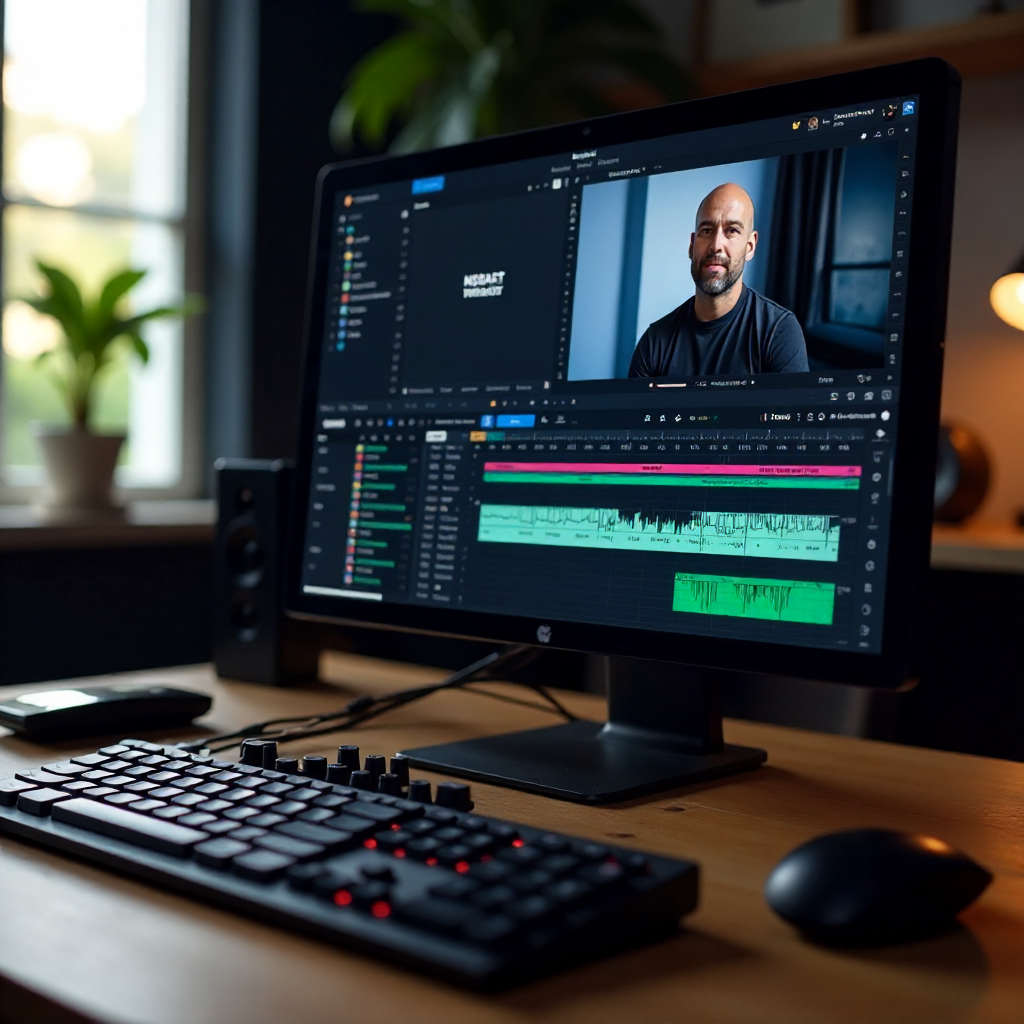
Streaming software manages your live broadcast, mixing video, audio, overlays, and transitions before sending the feed online. Reliable internet is critical to avoid lag or disconnects.
Popular streaming software like OBS Studio and Streamlabs offer powerful, free tools for capturing video sources, adding graphics, and streaming to platforms like Twitch or YouTube. They support customization and integrations to elevate your production quality.
A stable internet connection with upload speeds of at least 5 Mbps is recommended for HD streaming. Wired Ethernet connections are preferred over Wi-Fi to avoid packet loss and fluctuations.
Using hardware encoding, offered by many GPUs, offloads video compression from the CPU, improving stream stability. Adjustable bitrate settings let you balance quality and bandwidth demands.
Accessories and Setup Tips for a Seamless Stream
Accessories like tripods and camera mounts provide stable framing and free your hands during broadcasts, preventing shaky footage or awkward angles. Adjustable mounts let you experiment with perspectives.
Green screens and customizable backgrounds allow streamers to replace or stylize their backdrop, enhancing professionalism and viewer focus.
Other useful gear includes pop filters for microphones, shock mounts to reduce vibrations, cable management tools, and soundproofing panels for cleaner audio capture.
Organizing your streaming area to reduce clutter and optimize ergonomics ensures long sessions stay comfortable and trouble-free.
Budget-Friendly vs. Premium Gear: What You Need to Know
Choosing between budget and premium streaming equipment depends on your content goals, audience expectations, and available resources.
Budget setups can deliver impressive quality using mid-tier webcams, USB microphones, basic lighting, and free software—perfect for casual or beginner streamers.
Premium gear, including dedicated cameras, XLR microphones, professional lighting, and audio mixers, significantly raise production values but involve higher costs and more complex setups.
Trade-offs include initial investment, setup complexity, and learning curve. Start with essentials that maximize impact—such as a quality microphone and lighting—before upgrading high-end cameras or mixers.
Ultimately, consistency, engaging content, and sound/video clarity matter more than extravagant equipment alone.
Frequently Asked Questions
What type of microphone is best for live streaming?
USB microphones are ideal for beginners due to their easy plug-and-play operation and solid quality. More advanced streamers often prefer XLR microphones paired with an audio interface or mixer for superior sound clarity and customization.
How important is lighting in live streams?
Lighting is crucial—it affects how clear and professional your video looks. Good lighting eliminates shadows, highlights facial expressions, and creates a welcoming atmosphere, which keeps viewers engaged.
Can I stream with just a webcam?
Yes, a good quality webcam can suffice for live streaming, especially for solo streamers starting out. However, dedicated cameras with capture cards offer better image quality and flexibility if you want to upscale your stream.
What internet speed do I need for high-quality streaming?
An upload speed of at least 5 Mbps is recommended for streaming 720p to 1080p video smoothly. Faster speeds (10 Mbps+) are better for higher resolutions, lower latency, and multi-stream setups.
What software is recommended for beginners?
OBS Studio is highly recommended for beginners as it's free, user-friendly, and widely supported. Streamlabs adds extra convenience with built-in widgets and overlays, making it a great alternative for new streamers.