How to Use Social Media to Promote Your Live Streams Effectively
Social media can help new viewers discover your live cam streams and give regulars a reason to come back. The most effective promotion sets clear expectations: viewers know when you will be live, what kind of session to expect, and where to find it.
Start with a simple cycle: choose platforms your audience uses, publish accurate previews, invite people with a clear call to action, and review which posts lead to actual stream visits. Keep community guidelines, privacy, and consent in view at every step.
Choose platforms that fit your audience and content
Choose social media platforms based on where your intended audience is active and whether their rules allow your promotional content. A platform with strong discovery tools may still be a poor fit if it restricts adult-oriented material or links to live cam sites.
Before investing time, read the platform’s current community guidelines and rules on sexual content, nudity, external links, and age-restricted material. Policies differ and can change. Do not assume that a post is permitted just because similar content remains online.
- Short-form video platforms can help people discover a personality through brief, policy-compliant clips, but moderation and restrictions on adult-related promotion may limit their use.
- Image-led platforms can support consistent branding and event reminders. Check rules on suggestive images, link placement, and account eligibility.
- Community-oriented platforms may make it easier to build conversations with followers, though each community can set additional posting rules.
- Messaging channels or newsletters can deliver schedule updates to people who opted in, but they require careful handling of contact details and consent.
Think of platform choice as a fit test, not a popularity contest: audience, permitted content, link options, and moderation risk all matter. Choose one or two suitable channels first. Spreading effort across every platform can dilute your posting quality and make it harder to learn what works.
Build a consistent, recognizable social presence
A recognizable social presence helps viewers connect your posts to your live cam profile and find the stream without confusion. Use consistent names, profile images, and descriptions wherever possible, then make the route from social post to stream easy to follow.
Write a short bio that tells people what you share and where to find your official stream. Use a link only where the platform permits it, and check that it works on mobile. If direct links are restricted, follow the platform’s approved profile or link-sharing options rather than trying to disguise a prohibited destination.
Make the key details easy to scan: your usual time zone, how you announce schedule changes, and where official updates appear. A viewer who sees a teaser should not have to search through several accounts to confirm whether you are live.
- Keep your display name and branding consistent across profiles.
- Pin a current schedule or a post explaining how to find stream updates.
- Use a single official profile for announcements to reduce impersonation and confusion.
- Separate public creator accounts from personal accounts if you want stronger privacy boundaries.
Consistency does not mean publishing the same message everywhere. Adapt the format to each platform while keeping the essential identity and stream details accurate.
Create teasers that give viewers a reason to tune in
An effective stream teaser gives viewers a preview of the mood, theme, or planned activity without pretending to show more than the stream delivers. Pair an appealing preview with the date, start time, time zone, and a clear call to action.
Teaser clips and previews can be short: a glimpse of your setup, a behind-the-scenes moment, or a non-explicit introduction to the evening’s theme. The point is to establish what makes this session worth attending. Avoid misleading edits or suggestive claims that the live experience will not match.
A useful promotional post answers three questions: What is happening? When is it happening? Where should viewers go? For example: “Tonight at 8 p.m. Eastern: a relaxed music-and-chat session. Check my profile for the live room.” Adjust the wording and content to the platform’s rules.
- Use a clear visual or clip that represents the actual stream.
- Include the date and time zone, especially if your followers live in different regions.
- Use one direct call to action, such as checking your profile or joining at the announced time.
- Keep captions readable and provide text details so the announcement still works without sound.
Do not share private information in the background of a preview. Check screens, mail, location clues, reflections, and identifying details before posting. A polished teaser is useful only if it protects your privacy and sets honest expectations.
Turn posting into a reliable promotion routine
A reliable promotion routine uses a few well-timed posts around a consistent stream schedule rather than a constant stream of reminders. Planning ahead helps followers remember the event without making your account feel like a nonstop advertisement.
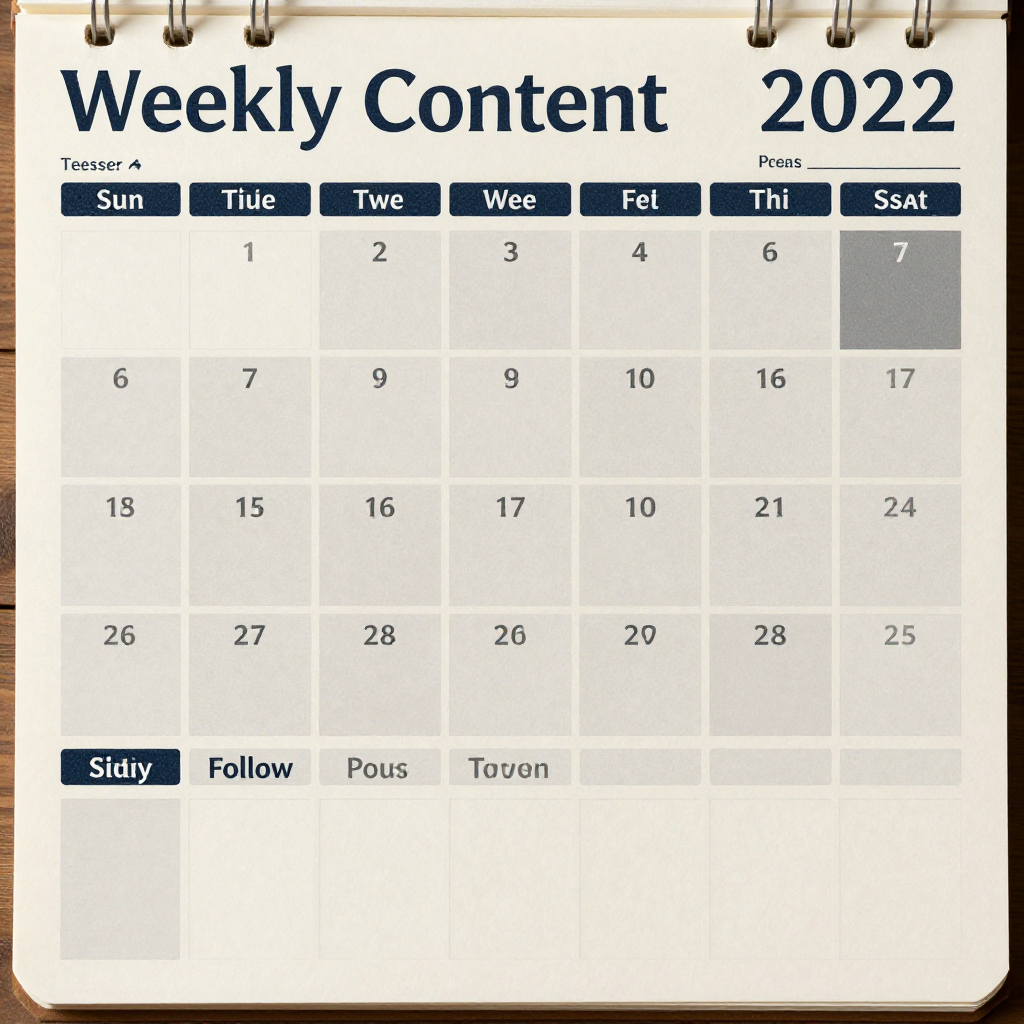
Start with a weekly schedule you can maintain. For a stream on Friday evening, you might share a schedule post earlier in the week, a theme teaser the day before, and a brief reminder shortly before going live. Treat those timings as a starting point, not a universal formula; test what suits your audience and platform.
Vary the format while keeping the core information steady. One post might be a short clip, another a text update, and another a poll about a stream theme. Reusing a schedule template can save time, but refresh the details and creative so followers are not seeing an identical post every time.
Leave room for changes. If you need to cancel or move a stream, update the same channels where you announced it. A quick correction protects trust better than leaving an outdated promotional post in circulation.
Engage with viewers before and after each stream
Audience engagement turns a promotional post into the start of a conversation, which can make followers more likely to notice future stream announcements. Reply to appropriate comments, invite low-pressure participation, and follow up after the session.
Before a stream, use a poll or question to let followers choose between suitable themes, music, or conversation topics. Keep the options within your boundaries and platform rules. Avoid asking followers to disclose sensitive personal information in public comments.
Afterward, thank viewers for joining and share a brief recap or a note about the next scheduled stream. If a follower asks a question, answer publicly when it is appropriate and safe; move to private communication only when you understand the platform’s rules and are comfortable doing so.
- Respond to genuine questions instead of posting repeated calls to action.
- Set clear boundaries around requests, personal contact, and off-platform conversations.
- Invite viewers to follow an official account for schedule updates, without pressuring them.
- Notice recurring questions and address them in a future post or profile description.
Engagement should feel like community-building, not a promise of personal access. Be warm and consistent while keeping expectations and boundaries clear.
Measure results and refine your approach
Use stream analytics and social metrics together to see which promotion leads to real attendance. Likes and views show that a post attracted attention; link clicks, profile visits, and stream visits offer stronger clues about whether viewers took the next step.
Track a small set of measures for each platform and post: reach, meaningful comments, link clicks where available, and live room visits during the announced time. Compare similar posts over several streams rather than judging a strategy from one unusually strong or quiet session.
A simple tracking sheet can record the platform, post format, topic, posting time, and resulting visits. If short clips consistently earn attention but few visits, the call to action or stream details may be unclear. If schedule posts bring fewer reactions but more attendance, they may be doing the more valuable job.
Change one variable at a time when testing, such as the teaser format or reminder timing. That makes the result easier to interpret. Social analytics are imperfect: attribution may be limited, and viewers can see a post on one platform before arriving through another route. Use patterns to guide decisions, not as proof that a single post caused every visit.
Promote safely and follow platform rules
Safe promotion means following each platform’s current policies, respecting consent, and protecting personal information in posts and live content. When rules are unclear, choose the more cautious option or ask the platform for clarification rather than trying to evade moderation.
Get consent from anyone identifiable in a teaser or behind-the-scenes image, and make sure they understand where it will be posted. Do not reveal a guest’s identity, location, private messages, or other personal details without clear permission. Check the background of every clip for addresses, workplace clues, account notifications, and reflections.
Review the live cam site’s own rules as well as the social platform’s policies. Content that is allowed in a live room may still be restricted in a public social feed. Follow age restrictions, labeling requirements, and link-sharing rules; do not use coded language, alternate accounts, or misleading redirects to bypass enforcement.
Protect account access with strong, unique passwords and available security controls. Keep a clear boundary between public creator information and personal details, and avoid publishing your real-time location unless you have deliberately chosen to share it.
Frequently asked questions
Which social platforms are suitable for promoting live cam streams?
The suitable platform is one your audience uses and whose current rules permit your content and links. Compare discovery features, moderation policies, and link options before choosing; no platform is automatically right for every live cam creator.
How often should streamers post promotional content?
Post often enough to make the schedule easy to remember, but not so often that reminders crowd out other useful or engaging updates. Try a schedule announcement, a preview, and a near-start reminder for each stream, then adjust based on audience response.
What should a stream teaser include?
A teaser should show an accurate preview, explain the session’s theme or mood, state the start time and time zone, and give viewers one clear next step. Keep it within platform rules and avoid revealing private information.
How can streamers promote content while respecting platform rules?
Read the current community guidelines, follow restrictions on adult content and external links, and use only approved sharing methods. Respect consent and privacy, avoid deceptive previews, and never try to evade moderation.